Step-by-step STEM assembly guide

Makerzoid Model Instructions

Explore step-by-step assembly guides for Makerzoid STEM kits. Search by model, kit, category, difficulty or assembly time.

Designed for teachers, school classes, robotics clubs and independent STEM learning.

907+
Instructions
3
Difficulty levels
K-8
Classroom ready

Kits

Browse STEM kits and explore available models.

Search the library

Use one or more filters to narrow the lesson list.

Basic Structure

Smart Robot Standard

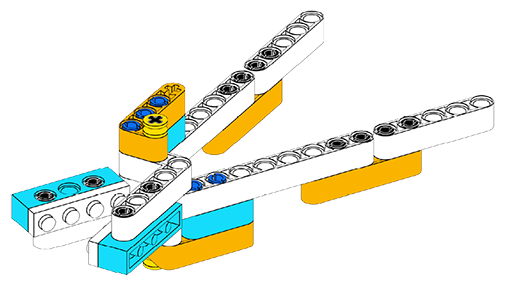
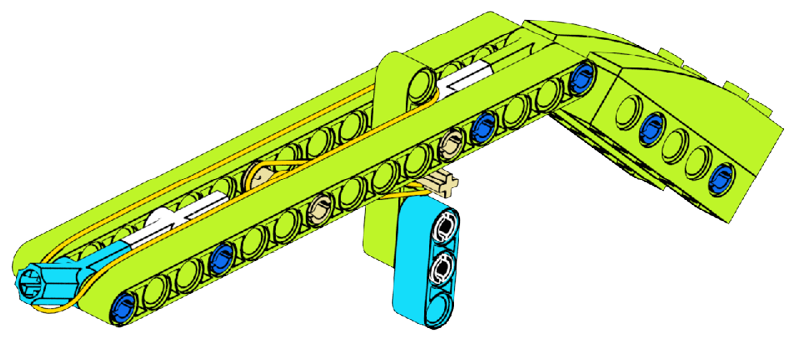
Pliers | Smart Robot Standard STEM Kit | Makerzoid

Build Pliers โ€” a beginner-friendly tool model STEM project from Smart Robot Standard. Basic structural engineering, foundational building. For ages 6+.

20 steps Easy 15 min Average build time: ~45 sec per step
Basic

Fun Building Blocks

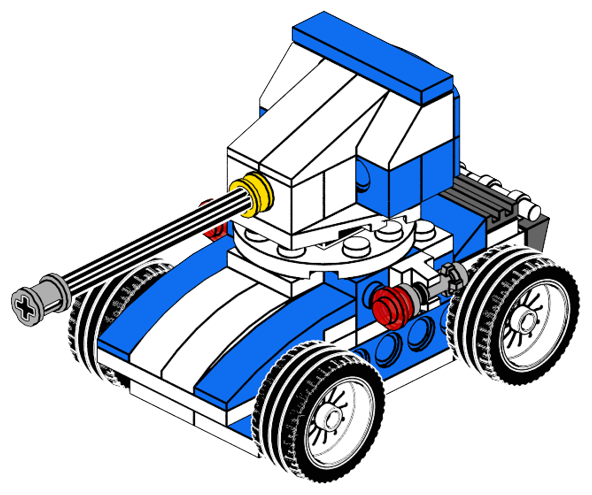
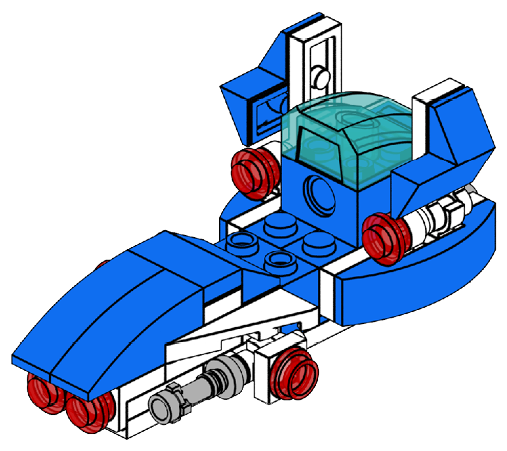
Unmanned Combat Vehicle | Fun Building Blocks STEM Kit | Makerzoid

Build Unmanned Combat Vehicle โ€” a beginner-friendly space exploration model STEM project from Fun Building Blocks. Basic physics, gravity, gear ratios, structural stability. For ages 6+.

38 steps Easy 29 min Average build time: ~45 sec per step
1.Basic

Robot Master Standard

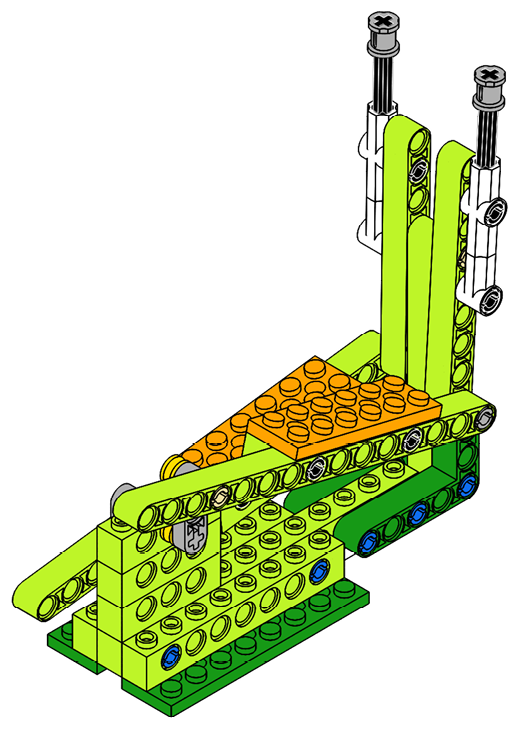
Crane | Robot Master Standard STEM Kit | Makerzoid

Build Crane โ€” a beginner-friendly construction machine STEM project from Robot Master Standard. Basic mechanical principles, foundational stem. For ages 6+.

31 steps Easy 23 min Average build time: ~45 sec per step
Power

Superbot Educational

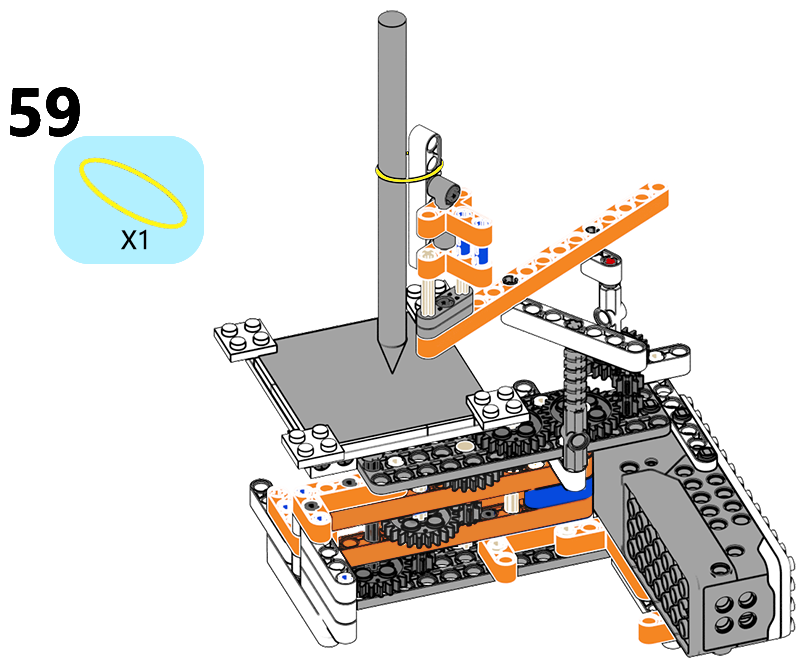
Drawing Machine | Superbot Educational STEM Kit | Makerzoid

Build Drawing Machine โ€” a beginner-friendly mechanical device STEM project from Superbot Educational. Advanced mechanics, motor integration, power transmission. For ages 6+.

59 steps Easy 44 min Average build time: ~45 sec per step
Basic

Fun Building Blocks

Drone | Fun Building Blocks STEM Kit | Makerzoid

Build Drone โ€” a beginner-friendly aircraft STEM project from Fun Building Blocks. Basic physics, gravity, gear ratios, structural stability. For ages 6+.

32 steps Easy 24 min Average build time: ~45 sec per step
1. Basic

Robot Master Premium

Elastic Band Gun | Robot Master Premium STEM Kit | Makerzoid

Build Elastic Band Gun โ€” a beginner-friendly mechanical device STEM project from Robot Master Premium. Basic mechanical principles, simple machines. For ages 6+.

20 steps Easy 15 min Average build time: ~45 sec per step
Animal Series

Superbot Master Premium

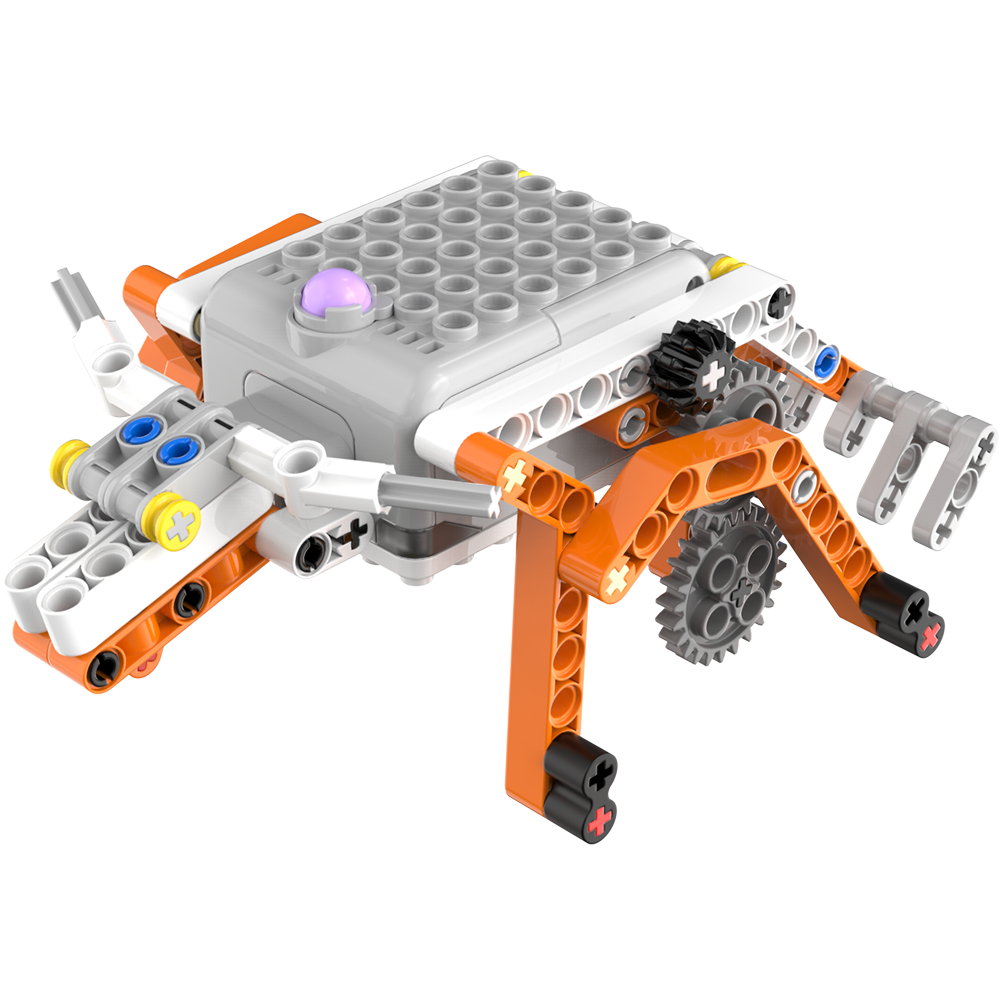
Oxen | Superbot Master Premium STEM Kit | Makerzoid

Build Oxen โ€” a beginner-friendly mechanical device STEM project from Superbot Master Premium. Animal-inspired robotics, bio-inspired design. For ages 6+.

1 step Easy
Basic

Fun Building Blocks

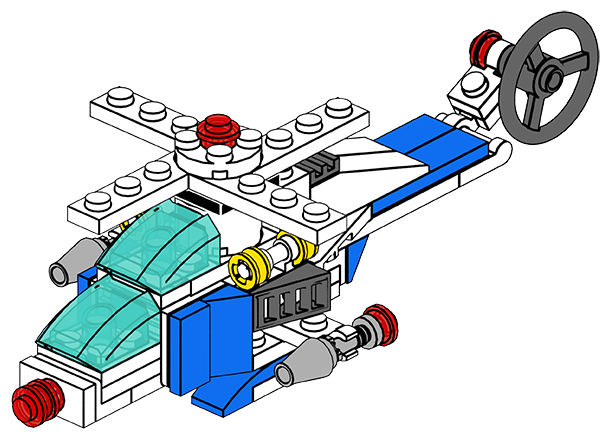
Attack Helicopter | Fun Building Blocks STEM Kit | Makerzoid

Build Attack Helicopter โ€” a beginner-friendly aircraft STEM project from Fun Building Blocks. Basic physics, gravity, gear ratios, structural stability. For ages 6+.

63 steps Easy 47 min Average build time: ~45 sec per step
1.Basic

Robot Master Standard

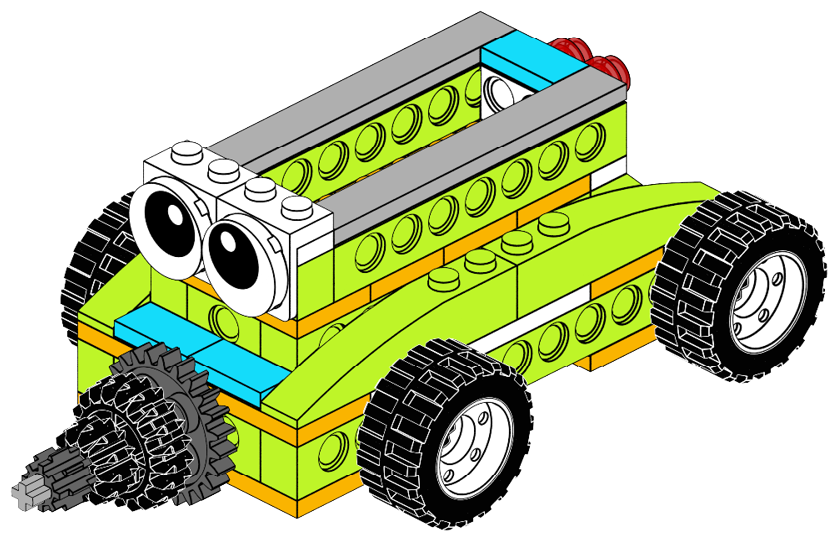
Drill Car | Robot Master Standard STEM Kit | Makerzoid

Build Drill Car โ€” a beginner-friendly construction machine STEM project from Robot Master Standard. Basic mechanical principles, foundational stem. For ages 6+.

41 steps Easy 31 min Average build time: ~45 sec per step
1. Basic

Robot Master Premium

Elliptical Machine | Robot Master Premium STEM Kit | Makerzoid

Build Elliptical Machine โ€” a beginner-friendly mechanical device STEM project from Robot Master Premium. Basic mechanical principles, simple machines. For ages 6+.

23 steps Easy 17 min Average build time: ~45 sec per step
Power

Superbot Educational

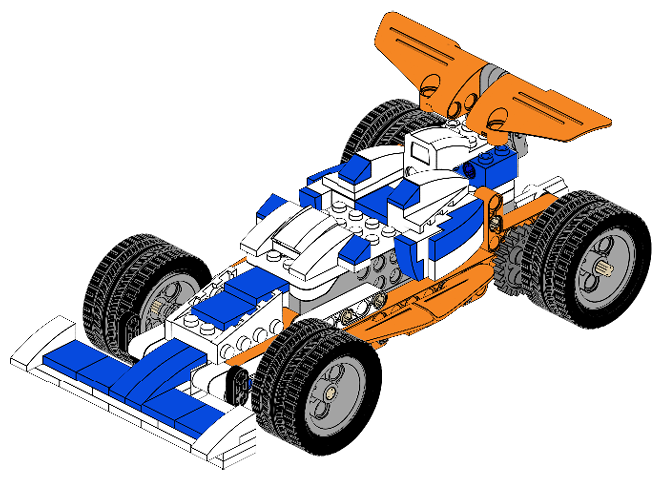
F1 | Superbot Educational STEM Kit | Makerzoid

Build F1 โ€” a beginner-friendly mechanical device STEM project from Superbot Educational. Advanced mechanics, motor integration, power transmission. For ages 6+.

74 steps Easy 56 min Average build time: ~45 sec per step

How it works

From search to a classroom build in three simple steps.

  1. 1

    Search or filter

    Find the right model by kit, category, difficulty or build time.

  2. 2

    Pick a model

    Scan steps, difficulty and time at a glance, then choose a build.

  3. 3

    Open the lesson

    Launch the step-by-step viewer and start building with your class.