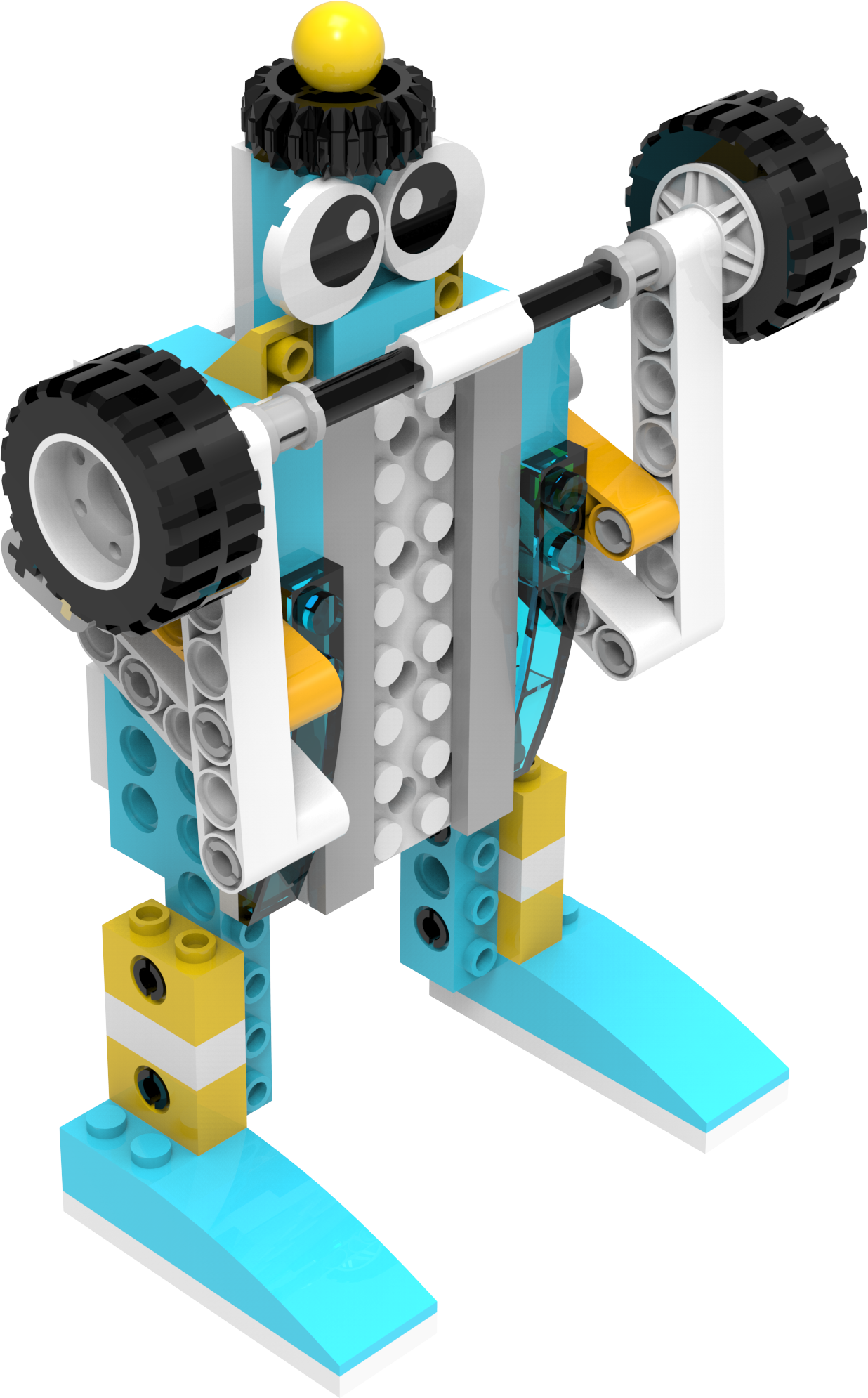
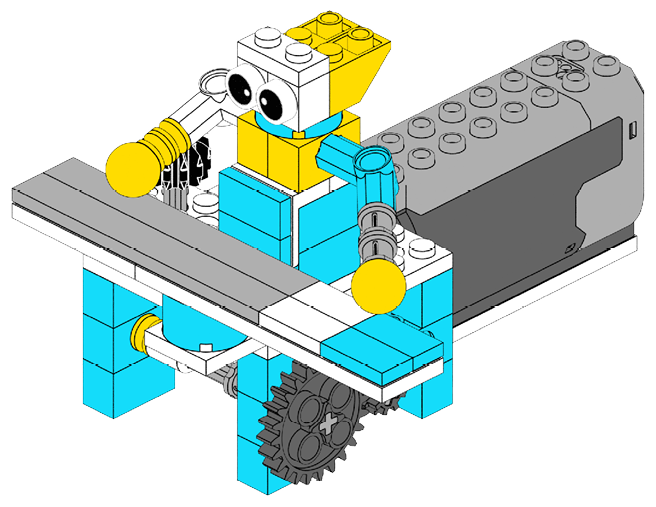
Basic Structure Smart Robot Premium Weightlifter | Smart Robot Premium STEM Kit | Makerzoid Build Weightlifter — a beginner-friendly balance model STEM project from Smart Robot Premium. Basic structural engineering, simple machines, foundational mechanics. For ages 6+. 51 steps Easy 38 min Average build time: ~45 sec per step Unlock Lesson
Music Smart Robot Standard Erhu | Smart Robot Standard STEM Kit | Makerzoid Build Erhu — a intermediate mechanical device STEM project from Smart Robot Standard. Acoustic engineering, musical instrument design. For ages 6+. 51 steps Medium 38 min Average build time: ~45 sec per step Unlock Lesson
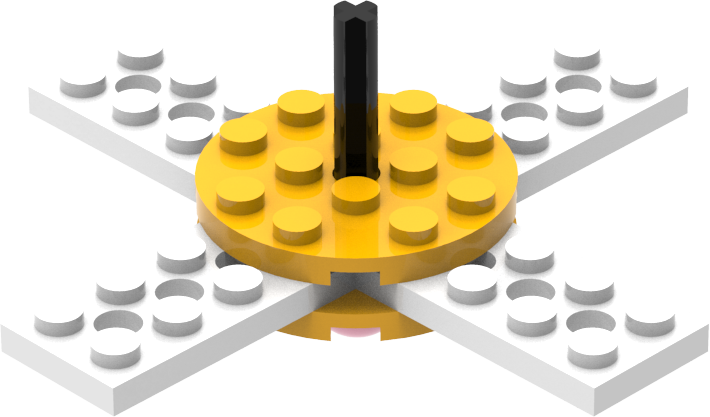
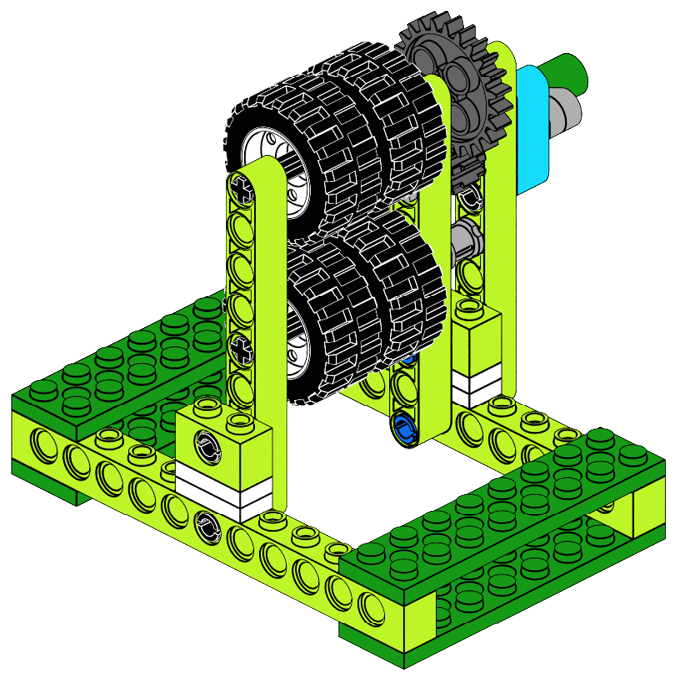
Basic Structure Smart Robot Premium Gyro 4 | Smart Robot Premium STEM Kit | Makerzoid Build Gyro 4 — a beginner-friendly mechanical device STEM project from Smart Robot Premium. Basic structural engineering, simple machines, foundational mechanics. For ages 6+. 6 steps Easy 5 min Average build time: ~45 sec per step Unlock Lesson
Intelligent Series Superbot Master Premium Intelligent Car Obstacle Avoidance | Superbot Master Premium | Makerzoid Build Intelligent Car Obstacle Avoidance — a beginner-friendly mechanical device STEM project from Superbot Master Premium. Intelligent autonomous systems, sensor fusion. For ages 6+. 1 step Easy Unlock Lesson
1. Basic Robot Master Premium Vertical Slab Catapult | Robot Master Premium STEM Kit | Makerzoid Build Vertical Slab Catapult — a beginner-friendly animal model STEM project from Robot Master Premium. Basic mechanical principles, simple machines. For ages 6+. 27 steps Easy 20 min Average build time: ~45 sec per step Unlock Lesson
1.Basic Robot Master Standard Vertical Slab Catapult | Robot Master Standard STEM Kit | Makerzoid Build Vertical Slab Catapult — a beginner-friendly animal model STEM project from Robot Master Standard. Basic mechanical principles, foundational stem. For ages 6+. 27 steps Easy 20 min Average build time: ~45 sec per step Unlock Lesson
Intelligent Series Superbot Master Premium Carrier Robot | Superbot Master Premium STEM Kit | Makerzoid Build Carrier Robot — a beginner-friendly mechanical device STEM project from Superbot Master Premium. Intelligent autonomous systems, sensor fusion. For ages 6+. 1 step Easy Unlock Lesson
Music Smart Robot Standard Guzheng | Smart Robot Standard STEM Kit | Makerzoid Build Guzheng — a intermediate mechanical device STEM project from Smart Robot Standard. Acoustic engineering, musical instrument design. For ages 6+. 31 steps Medium 23 min Average build time: ~45 sec per step Unlock Lesson
1. Basic Robot Master Premium Vigorous Extrusion Machine | Robot Master Premium STEM Kit | Makerzoid Build Vigorous Extrusion Machine — a beginner-friendly mechanical device STEM project from Robot Master Premium. Basic mechanical principles, simple machines. For ages 6+. 24 steps Easy 18 min Average build time: ~45 sec per step Unlock Lesson
1.Basic Robot Master Standard Vigorous Extrusion Machine | Robot Master Standard STEM Kit |... Build Vigorous Extrusion Machine — a beginner-friendly mechanical device STEM project from Robot Master Standard. Basic mechanical principles, foundational stem. For ages 6+. 24 steps Easy 18 min Average build time: ~45 sec per step Unlock Lesson
Music Smart Robot Standard Lute | Smart Robot Standard STEM Kit | Makerzoid Build Lute — a intermediate mechanical device STEM project from Smart Robot Standard. Acoustic engineering, musical instrument design. For ages 6+. 37 steps Medium 28 min Average build time: ~45 sec per step Unlock Lesson
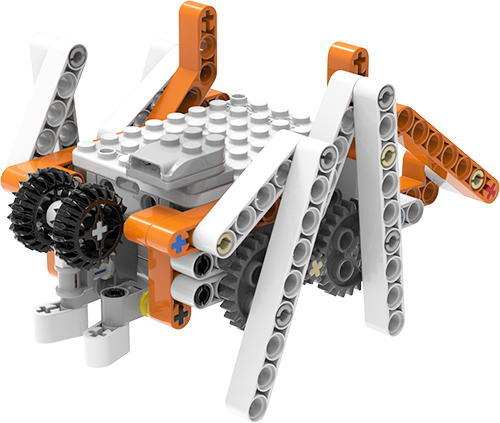
Intelligent Series Superbot Master Premium Timid Spider | Superbot Master Premium STEM Kit | Makerzoid Build Timid Spider — a beginner-friendly mechanical device STEM project from Superbot Master Premium. Intelligent autonomous systems, sensor fusion. For ages 6+. 1 step Easy Unlock Lesson