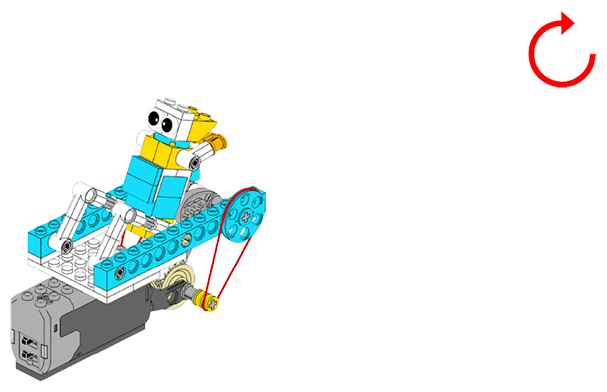
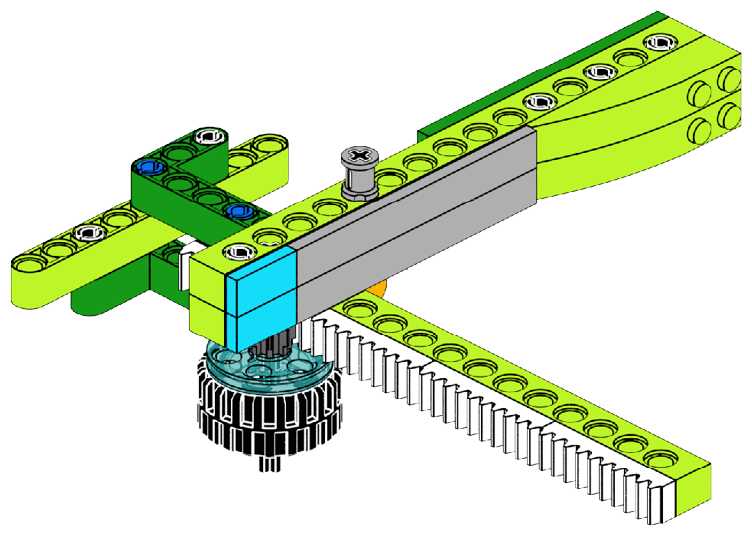
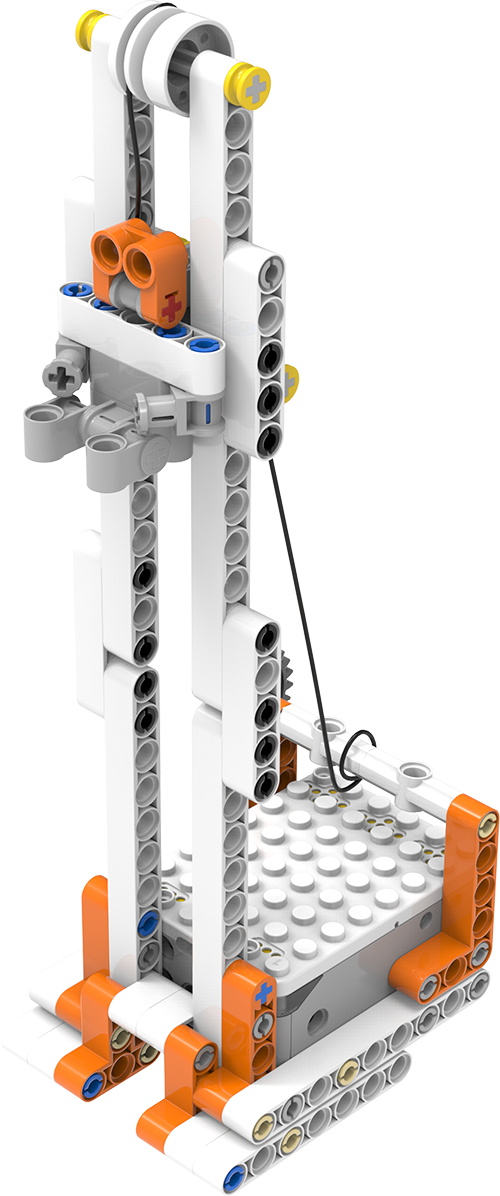
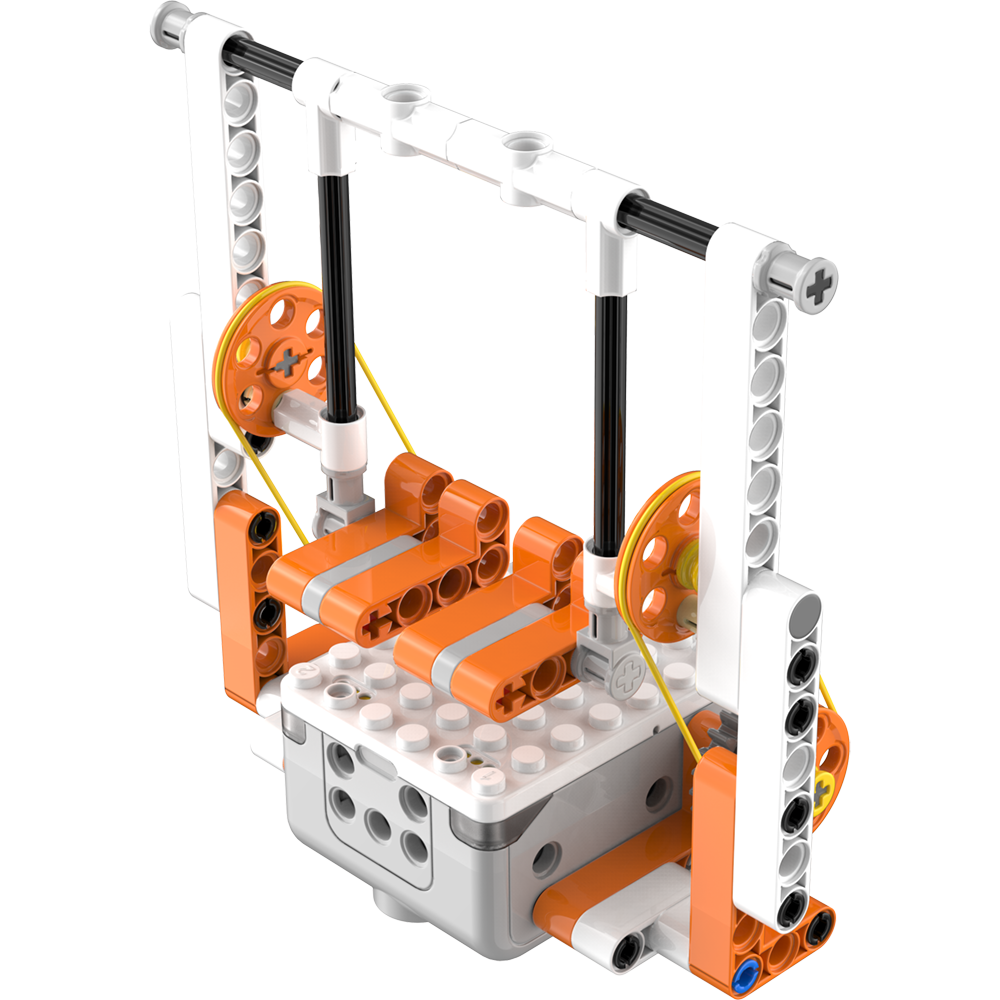
Build Sit-up — a intermediate mechanical device STEM project from Smart Robot Standard. Sports engineering, fitness and training mechanics. For ages 6+.
23 steps
Medium
17 min
Average build time: ~45 sec per step
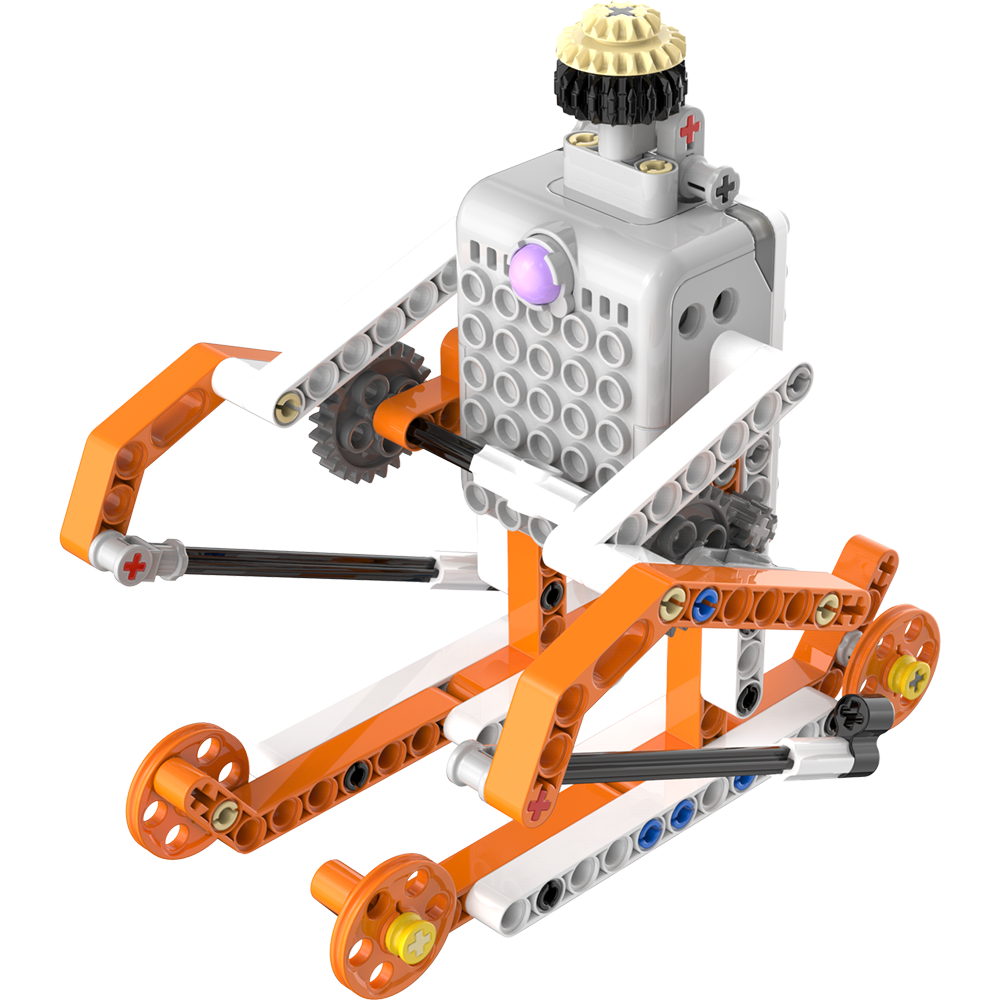
Build Top Launcher With Handle — a intermediate mechanical device STEM project from Robot Master Standard. Mechanical engineering, gear systems and mechanisms. For ages 6+.
21 steps
Medium
16 min
Average build time: ~45 sec per step
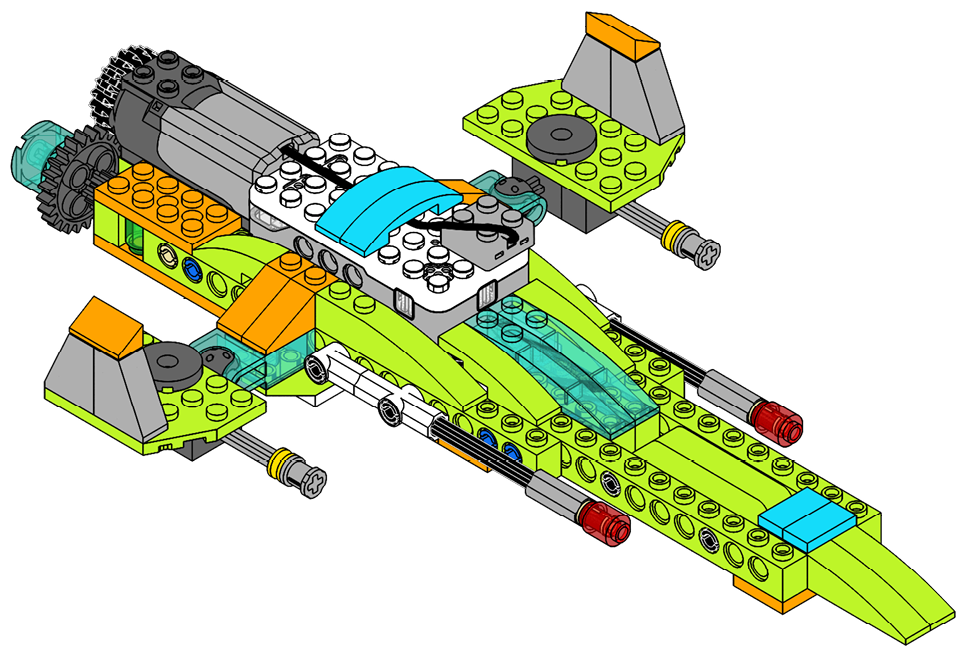
Build Interplanetary Jet — a advanced space exploration model STEM project from Robot Master Premium. Space exploration engineering, rocket and satellite design. For ages 6+.
63 steps
Hard
47 min
Average build time: ~45 sec per step
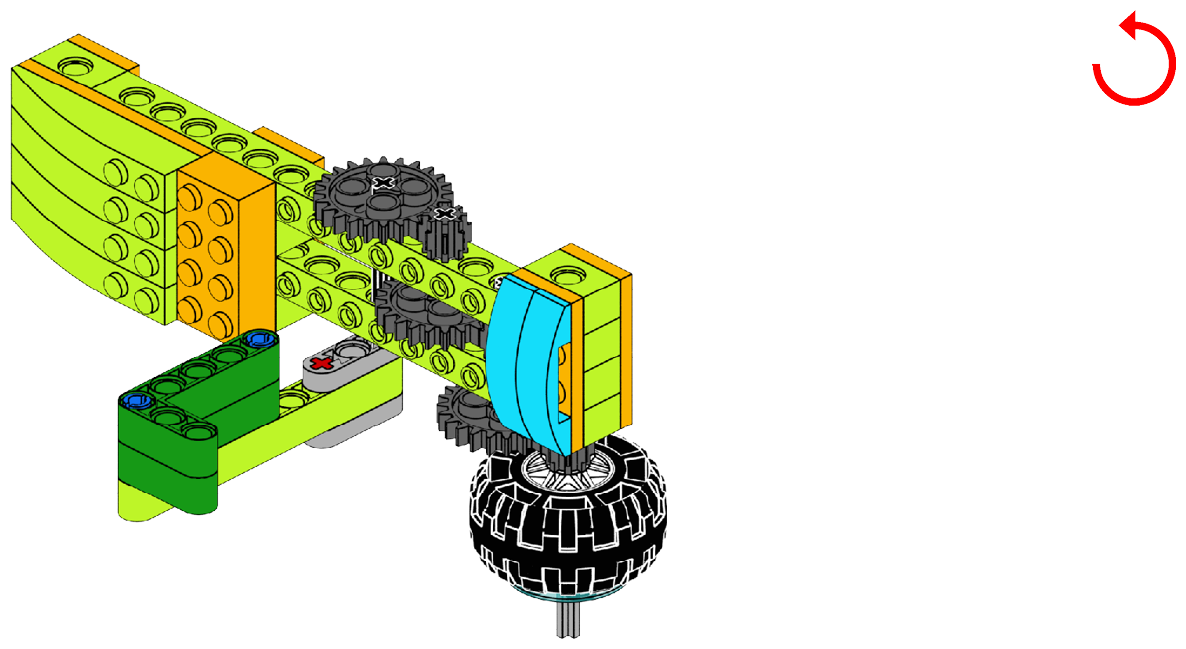
Build Top Launcher With Trigger — a intermediate mechanical device STEM project from Robot Master Standard. Mechanical engineering, gear systems and mechanisms. For ages 6+.
28 steps
Medium
21 min
Average build time: ~45 sec per step
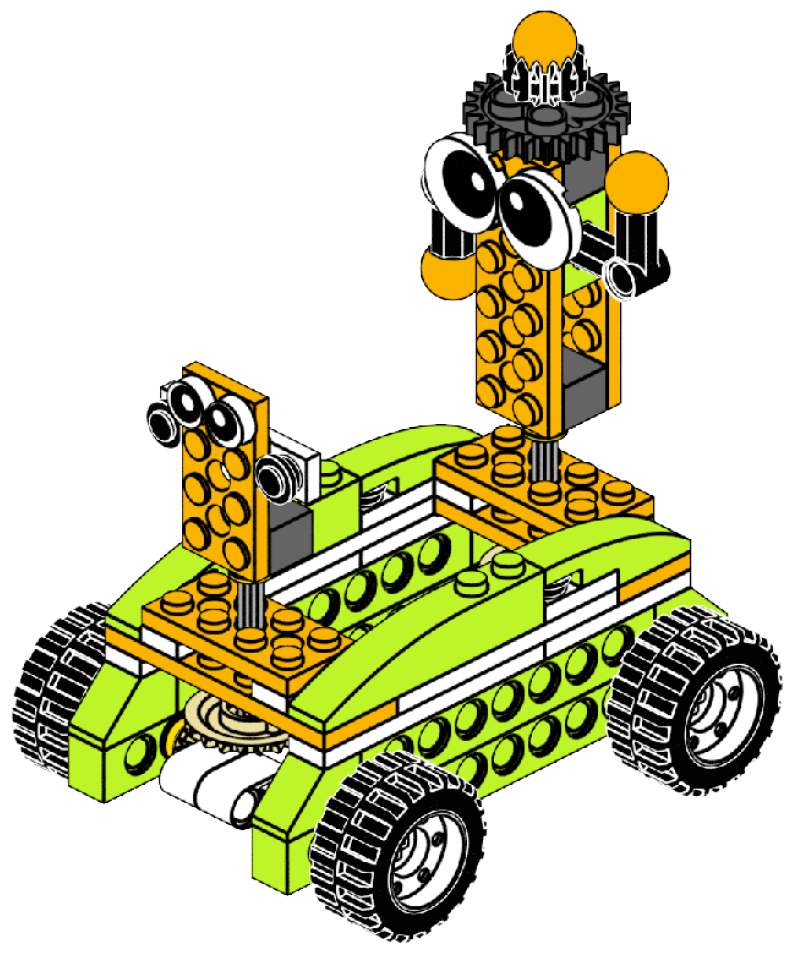
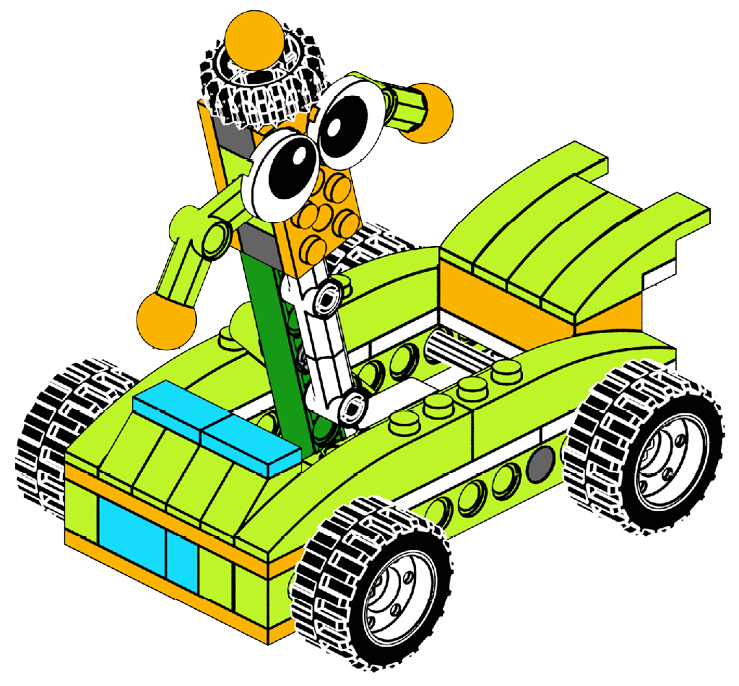
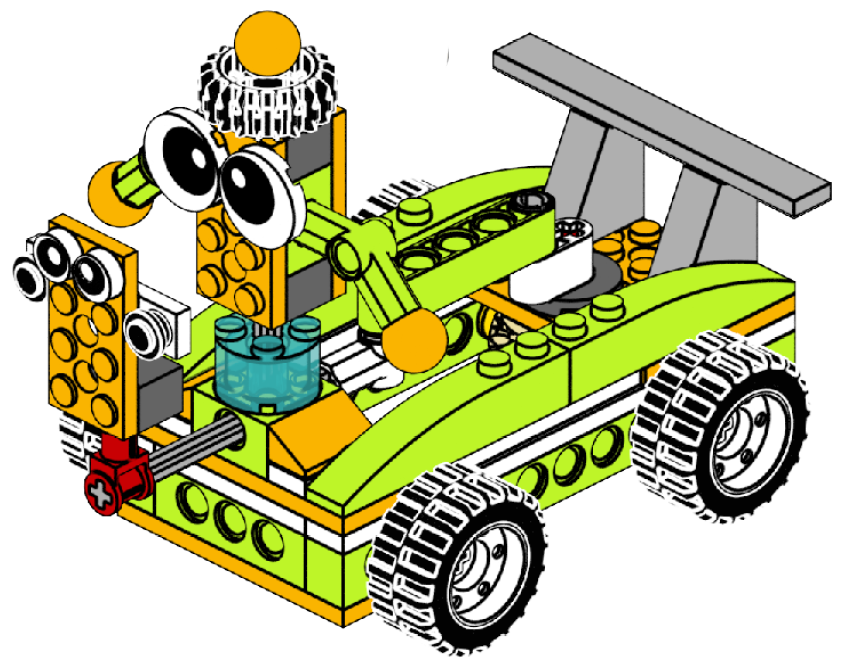
Build Car With Yl Man 1 — a beginner-friendly vehicle STEM project from Robot Master Standard. Yl construction techniques, creative building. For ages 6+.
56 steps
Easy
42 min
Average build time: ~45 sec per step
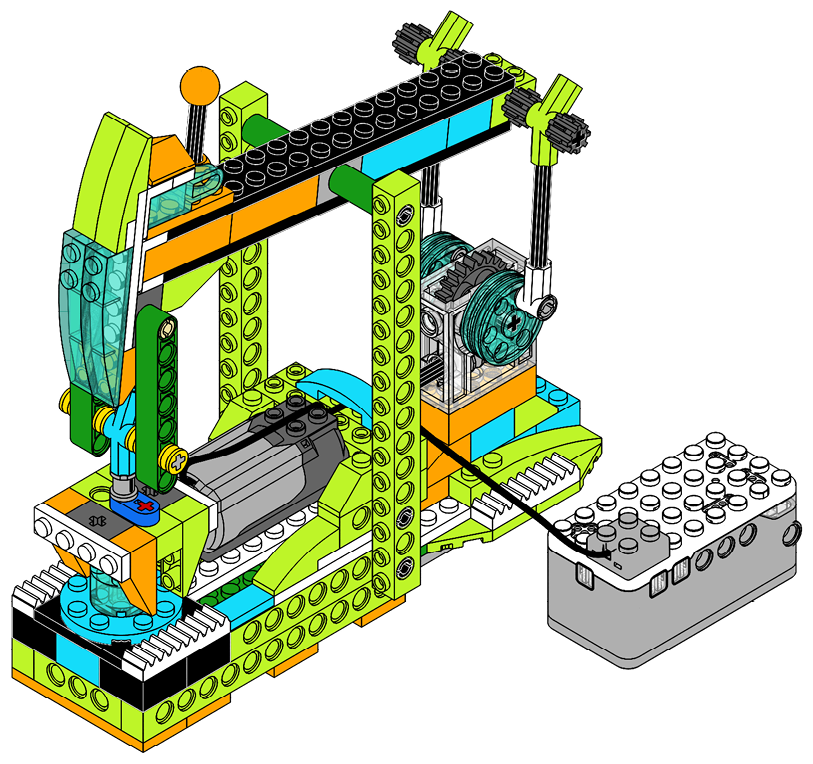
Build Interplanetary Repair Station — a advanced space exploration model STEM project from Robot Master Premium. Space exploration engineering, rocket and satellite design. For ages 6+.
100 steps
Hard
75 min
Average build time: ~45 sec per step
Build Car With Yl Man 2 — a beginner-friendly vehicle STEM project from Robot Master Standard. Yl construction techniques, creative building. For ages 6+.
54 steps
Easy
41 min
Average build time: ~45 sec per step
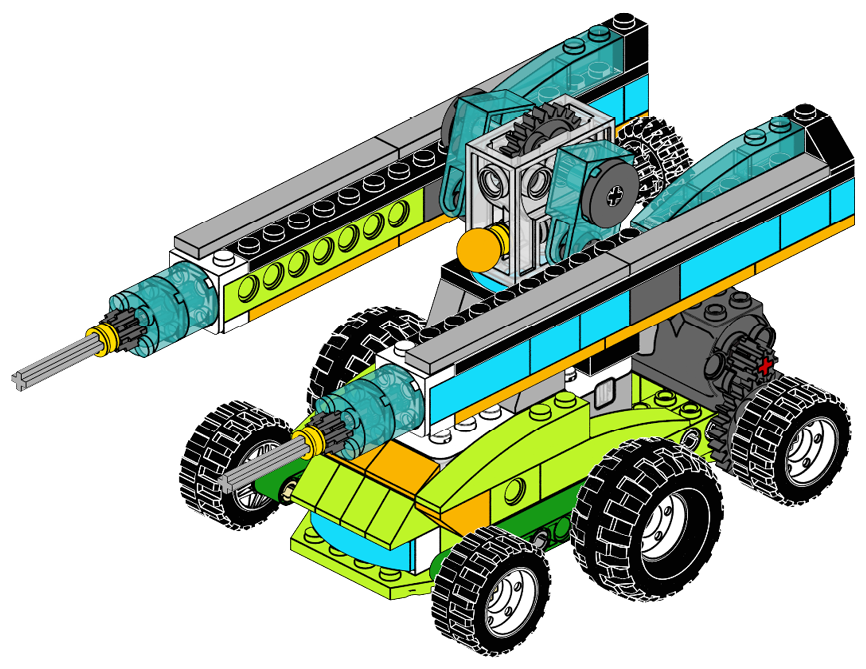
Build Interstellar Cannon — a advanced mechanical device STEM project from Robot Master Premium. Space exploration engineering, rocket and satellite design. For ages 6+.
110 steps
Hard
83 min
Average build time: ~45 sec per step
Build Car With Yl Man 3 — a beginner-friendly vehicle STEM project from Robot Master Standard. Yl construction techniques, creative building. For ages 6+.
60 steps
Easy
45 min
Average build time: ~45 sec per step
How it works
From search to a classroom build in three simple steps.
1
Search or filter
Find the right model by kit, category, difficulty or build time.
2
Pick a model
Scan steps, difficulty and time at a glance, then choose a build.
3
Open the lesson
Launch the step-by-step viewer and start building with your class.
Create teacher account
Register to unlock full access to lesson materials.